
3D Background Generator With Clock
An interactive 3D background generator with a digital clock overlay, featuring customizable shapes, post-processing effects, and a mobile-responsive design. Perfect for creating unique desktop or mobile backgrounds with a cyberpunk aesthetic.
Project Showcase
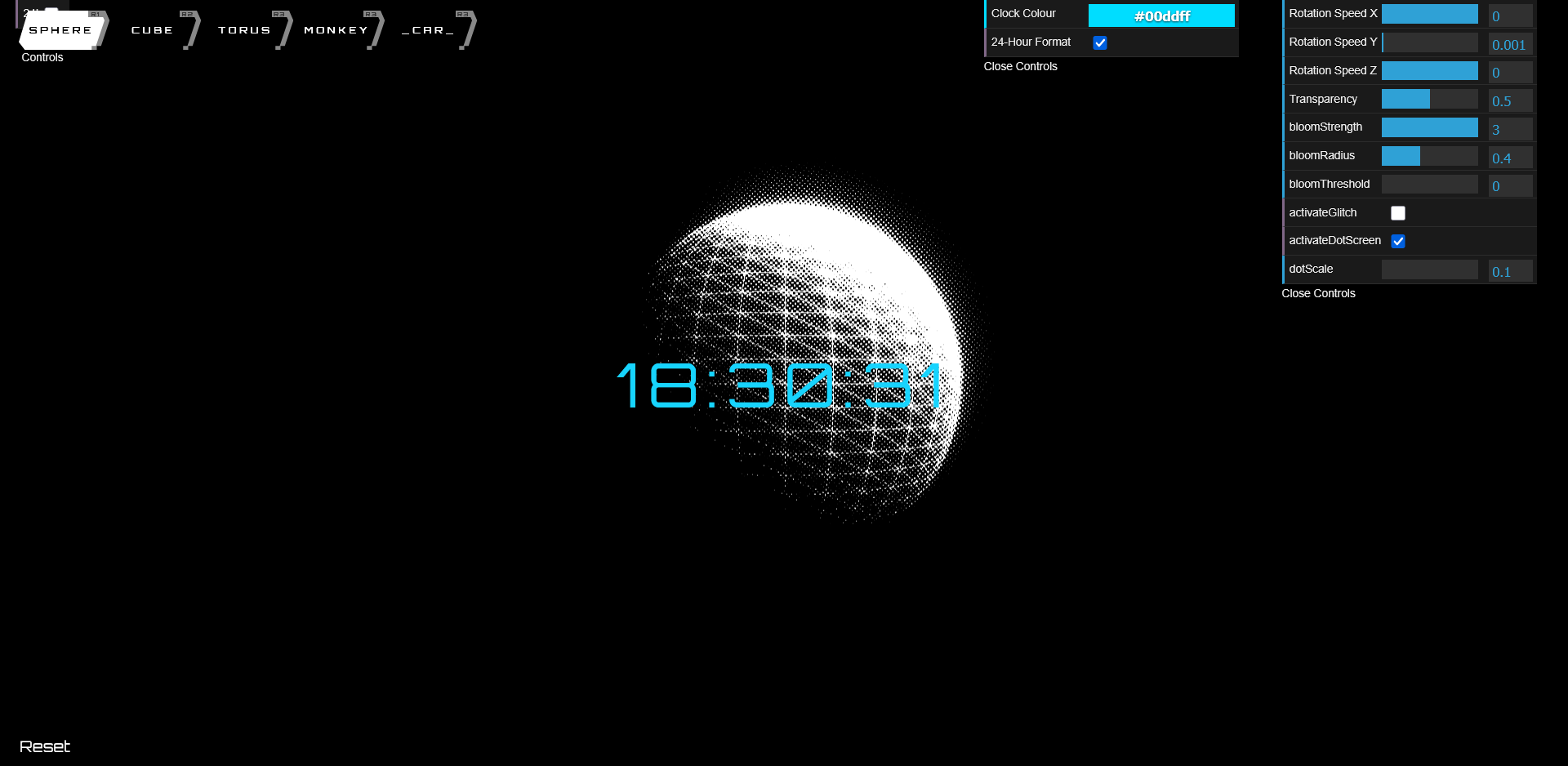
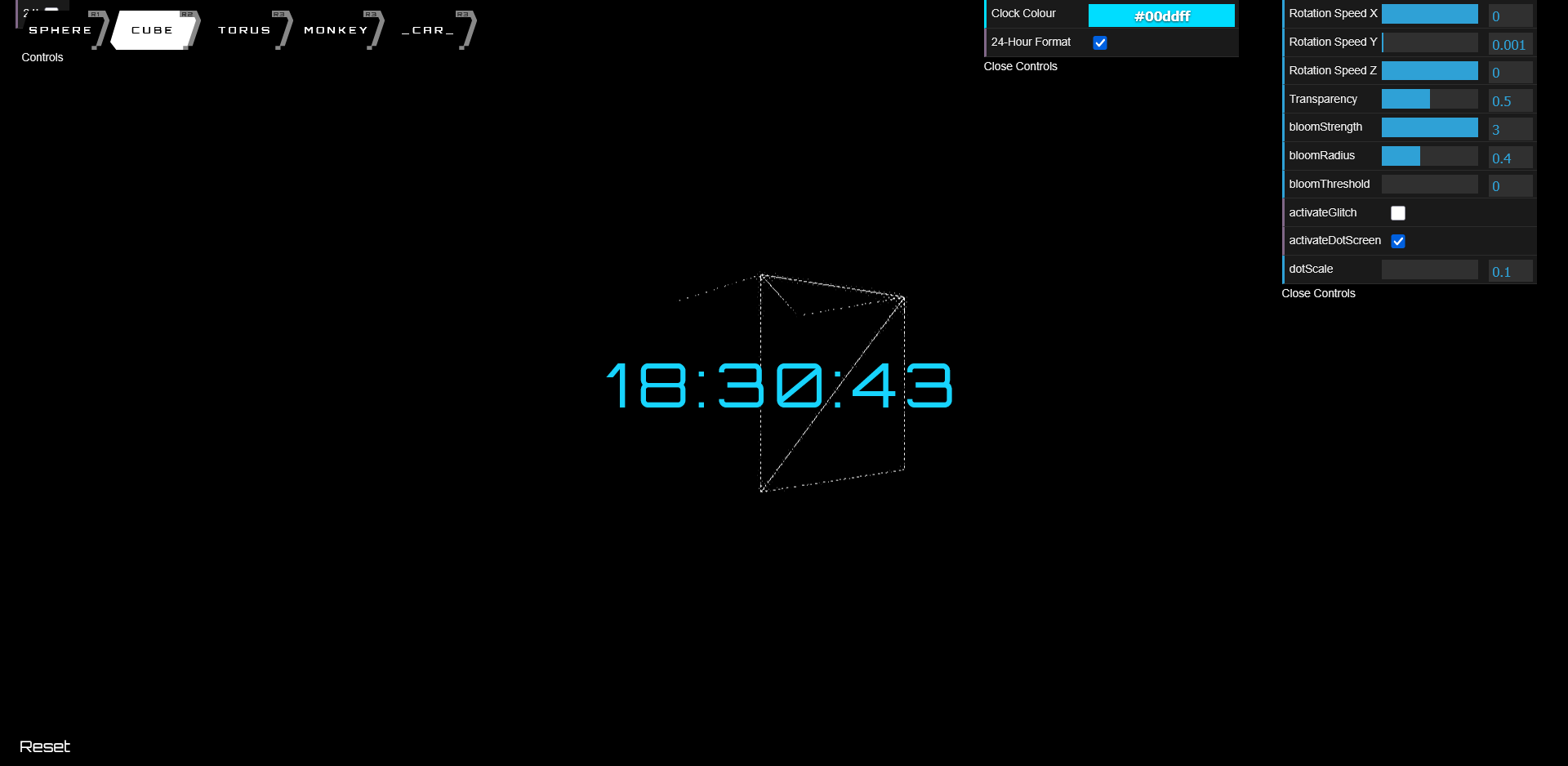
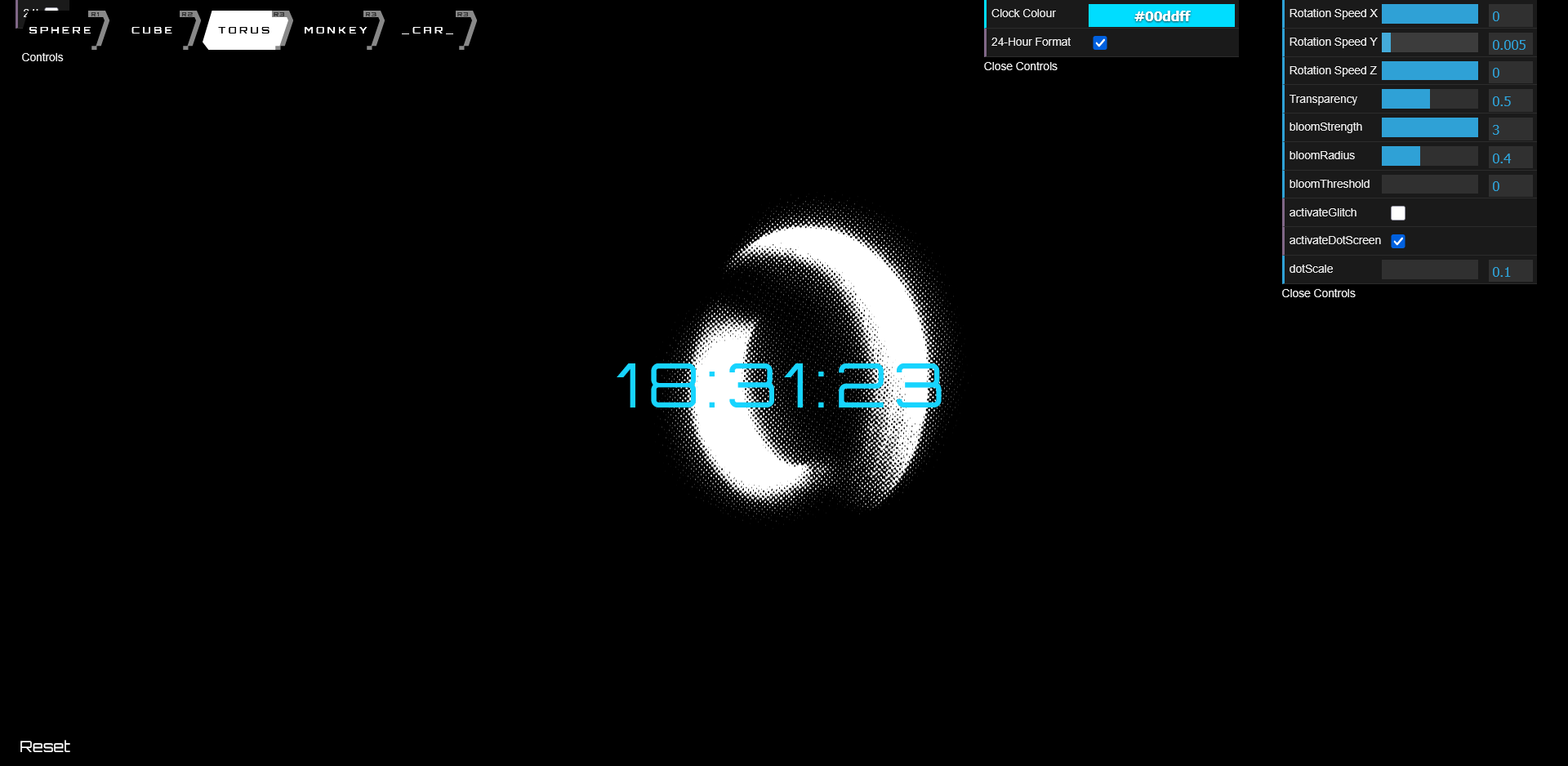
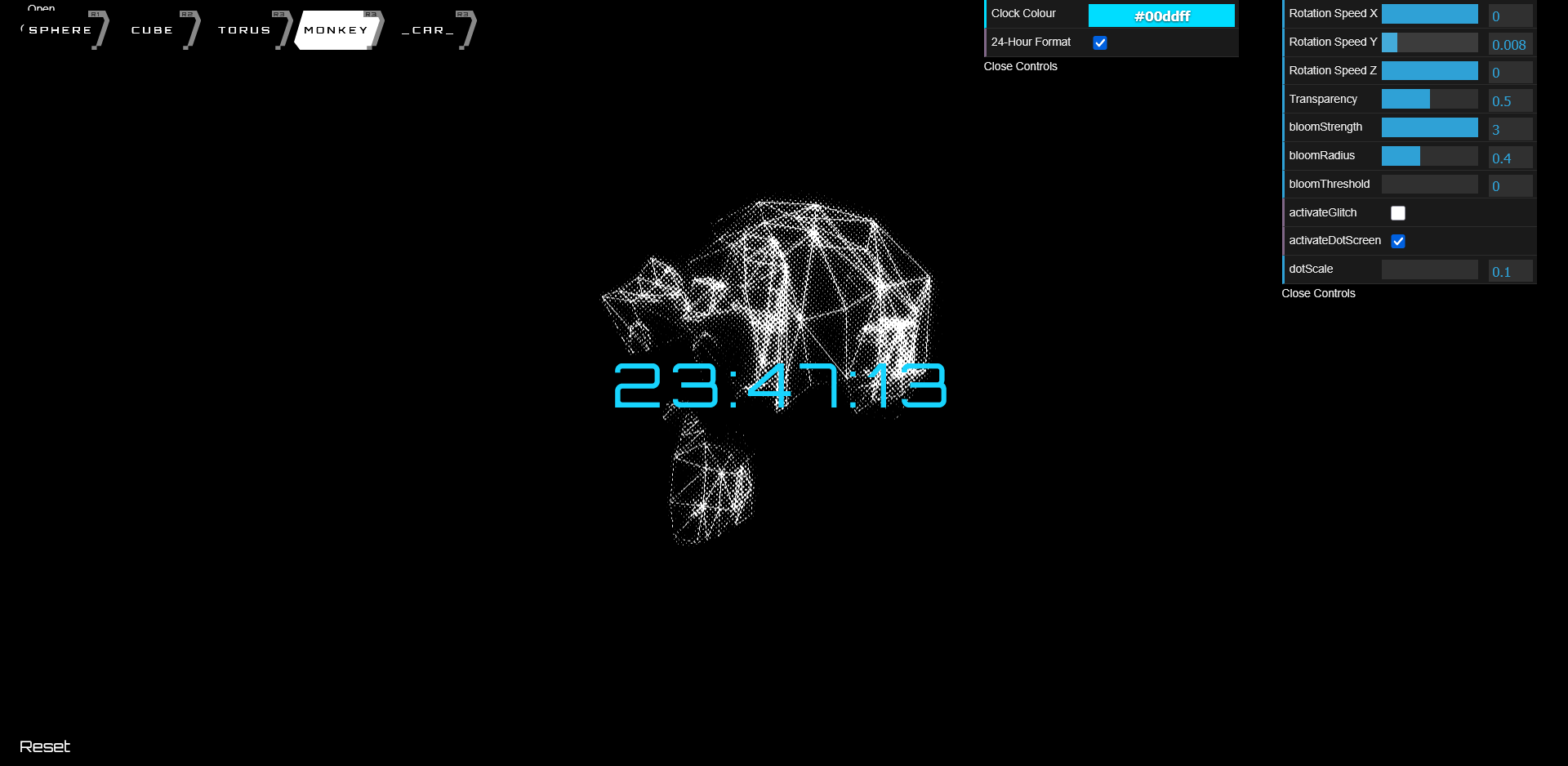
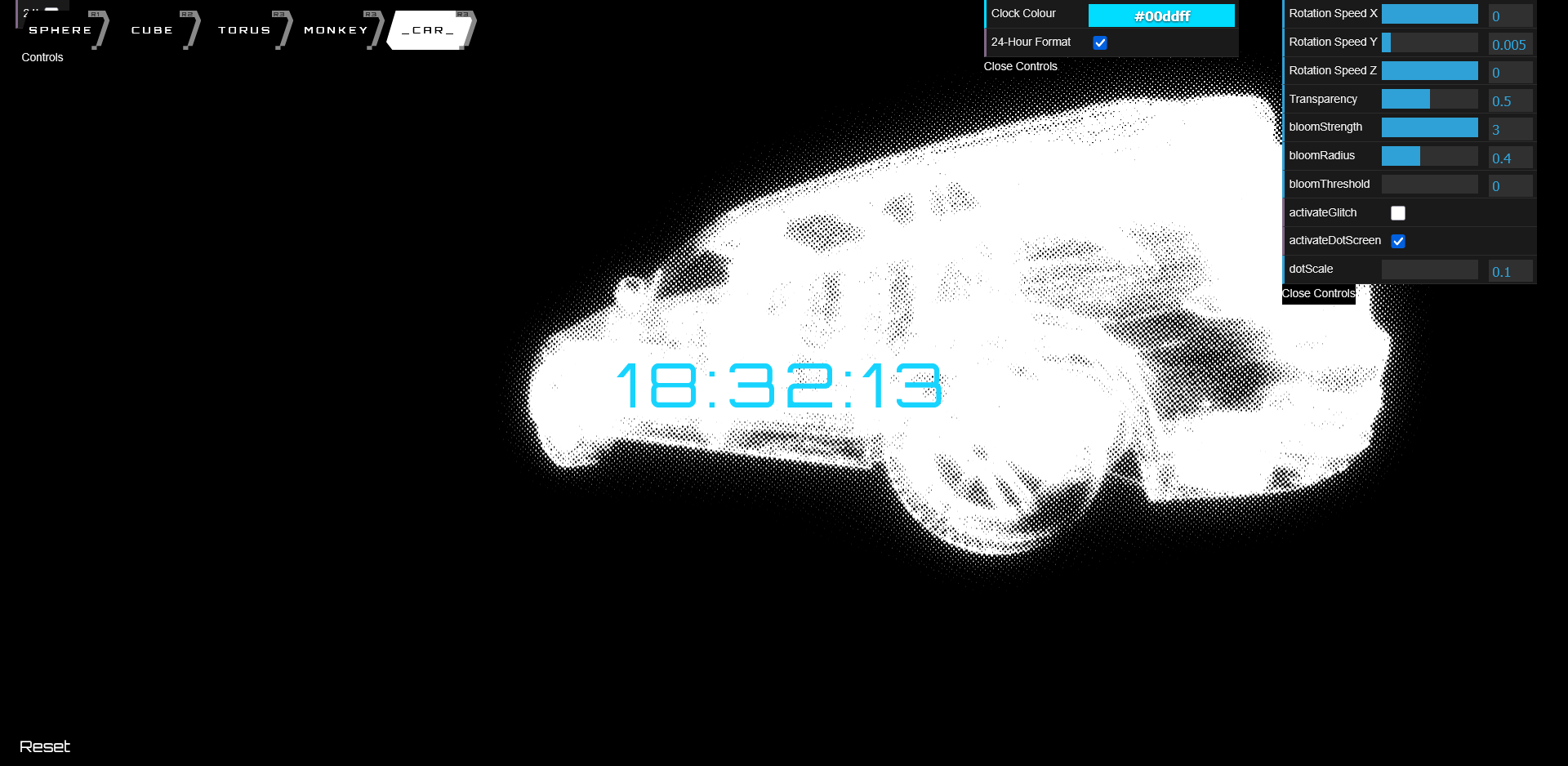
🔍 Feature Highlight: Real-time 3D Background Generator
Create mesmerizing 3D backgrounds with customizable shapes, wireframe models, and post-processing effects. The application features a digital clock overlay that can be styled to match your aesthetic preferences, all rendered in real-time using Three.js with optimized performance for both desktop and mobile devices.

Technologies Used
Contribution Stats
Commits
0
Files Changed
0
Additions
+0
Deletions
-0
Key Features
- ✓ Interactive 3D scene with customizable shapes and imported 3D models
- ✓ Digital clock overlay with 12/24-hour format toggle and custom color options
- ✓ Advanced visual effects including bloom, dot screen, and glitch filters
- ✓ Mobile-responsive design with touch-friendly controls
- ✓ Customizable rotation speed, transparency, and visual parameters
About the Project
This project combines creative web design with technical 3D rendering to create a practical application that can serve as an interactive wallpaper or background for various digital displays. The implementation demonstrates modern JavaScript modules, Three.js rendering techniques, and responsive UI design principles.
My Improvements & Code Changes
Modular Architecture with Global Variable Access
Implemented a modular architecture that allows components to communicate through global window object access. This design ensures that the application works cohesively across different script modules while maintaining clean code separation.
// From background.js
  // Set up variables but keep the original structure
  let scene, camera, renderer, composer, bloomPass, controls, shapeMesh, model, glitchPass, dotScreenPass;
  let loader = new GLTFLoader();  // For loading GLTF models

  // Make original variables available to window for mobile controller
  window.scene = scene;
  window.camera = camera;
  window.renderer = renderer;
  window.composer = composer;
  window.bloomPass = bloomPass;
  window.controls = controls;
  window.shapeMesh = shapeMesh;
  window.model = model;
  window.glitchPass = glitchPass;
  window.dotScreenPass = dotScreenPass;
  window.loader = loader;
Post-processing Effects Pipeline
Created a sophisticated post-processing pipeline that combines multiple effects including bloom, dot screen, and glitch. These effects can be individually toggled and customized through intuitive controls to achieve diverse visual aesthetics.
// Post-processing setup
  composer = new EffectComposer(renderer);
  composer.addPass(new RenderPass(scene, camera));
  window.composer = composer;

  bloomPass = new UnrealBloomPass(
      new THREE.Vector2(window.innerWidth, window.innerHeight),
      guiParams.bloomStrength,
      guiParams.bloomRadius,
      guiParams.bloomThreshold
  );
  composer.addPass(bloomPass);
  window.bloomPass = bloomPass;

  dotScreenPass = new DotScreenPass(new THREE.Vector2(0, 0), guiParams.dotScale);
  dotScreenPass.enabled = guiParams.activateDotScreen;
  composer.addPass(dotScreenPass);
  window.dotScreenPass = dotScreenPass;

  glitchPass = new GlitchPass();
  glitchPass.enabled = guiParams.activateGlitch;
  composer.addPass(glitchPass);
  window.glitchPass = glitchPass;
Mobile-Responsive Controller
Developed a mobile-optimized controller interface that dynamically adapts to different screen sizes. This controller provides touch-friendly sliders and toggles that sync with the desktop GUI, ensuring a consistent experience across devices.
// Mobile-friendly controls implementation
  // Function to find objects in the global scope or window
  const findInGlobalScope = (propertyName) => {
      if (typeof window[propertyName] !== 'undefined') {
          return window[propertyName];
      }
      return null;
  };

  // Object to store references to important objects
  const globalRefs = {
      // Background.js variables
      scene: findInGlobalScope('scene'),
      camera: findInGlobalScope('camera'),
      guiParams: findInGlobalScope('guiParams'),
      bloomPass: findInGlobalScope('bloomPass'),
      dotScreenPass: findInGlobalScope('dotScreenPass'),
      glitchPass: findInGlobalScope('glitchPass'),
      shapeMesh: findInGlobalScope('shapeMesh'),
      model: findInGlobalScope('model'),
      updateTransparency: findInGlobalScope('updateTransparency'),

      // Clock.js variables
      clockElement: document.getElementById('MyClockDisplay'),
      showTime: findInGlobalScope('showTime')
  };
Dynamic 3D Model Loading and Material Application
Implemented a system for loading and displaying 3D models with consistent material properties. This includes handling transparency and wireframe rendering consistently across both primitive shapes and complex 3D models.
function loadModel(modelPath) {
      loader.load(modelPath, function (gltf) {
          model = gltf.scene;
          model.scale.set(1, 1, 1);  // Adjust scale if necessary

          // Create the same material used for the shapes with wireframe enabled
          const newMaterial = new THREE.MeshPhongMaterial({
              color: 0xffffff,
              wireframe: true,  // Ensure wireframe mode is enabled
              transparent: true,
              opacity: guiParams.transparency
          });

          // Traverse the model and apply the new material to each mesh
          model.traverse((child) => {
              if (child.isMesh) {
                  child.material = newMaterial;  // Apply the wireframe material
              }
          });

          scene.add(model);
          window.model = model; // Update window reference
      }, undefined, function (error) {
          console.error('Error loading model:', error);
      });
  }
Implementation Details
In this project, I've focused on enhancing the user experience and adding functionality that makes the budget tracker more powerful and useful for daily financial management. Below are some of the key implementation details:
Three.js Integration with Custom Post-Processing
The project leverages Three.js to create a 3D scene with customizable objects. The implementation incorporates three key post-processing effects: UnrealBloomPass for the glowing effect, DotScreenPass for the retro screen pattern, and GlitchPass for cyberpunk-style visual glitches. The post-processing pipeline is built using EffectComposer, which allows for chaining multiple effects in a specific order. This creates a unique visual style while maintaining performance even on lower-end devices. Each effect can be individually toggled and fine-tuned through the GUI controls.
Responsive Design with Adaptive UI
The project features a responsive design that adapts to different screen sizes and device capabilities. For desktop users, a comprehensive dat.GUI interface provides detailed control over all parameters. For mobile users, a custom touch-friendly interface appears with optimized controls designed for smaller screens. This adaptive approach uses CSS media queries and JavaScript to detect the viewport size and dynamically adjust the UI components. On smaller screens, the desktop GUI is hidden and replaced with the mobile controller, which provides the same functionality in a more touch-friendly format.
Real-time Digital Clock Implementation
The digital clock overlay is implemented using pure JavaScript, with a customizable format (12-hour or 24-hour) and color options. The clock updates in real-time and maintains accurate time using setTimeout() with a 1-second interval. The clock's visual appearance is enhanced by the Three.js post-processing effects applied to the entire scene, giving it a unique cyberpunk aesthetic that ties in with the 3D background. The clock's font (Orbitron) was specifically chosen to complement the futuristic theme.
Performance Optimization for 3D Rendering
Several performance optimizations were implemented to ensure smooth rendering across different devices. These include: 1. Efficient use of wireframe rendering for both primitive shapes and complex 3D models 2. Careful parameter management for post-processing effects to avoid excessive GPU usage 3. Adaptive rendering that adjusts to the device's pixel ratio and viewport size 4. Event-based updates rather than continuous polling for UI interaction 5. Optimized animation loop with requestAnimationFrame for smoother performance and reduced power consumption